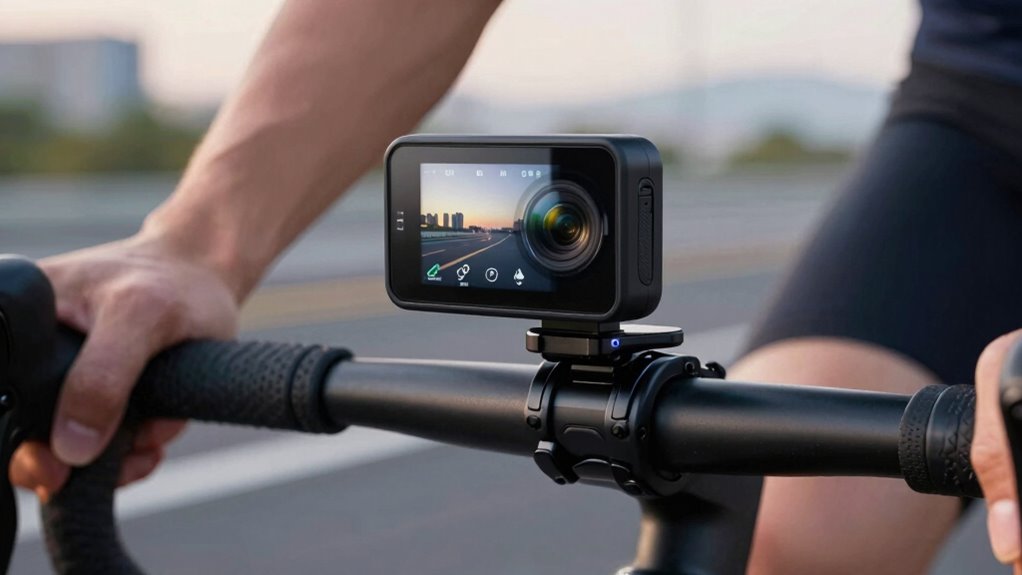

To get the most from your bike dash cam, set it to loop recording so it automatically overwrites old footage, ensuring continuous coverage without manual deletes. Use a high-capacity microSD card, at least 32GB, to store hours of rides and avoid missing important moments. Keep your camera powered with a steady power source to prevent draining batteries during long trips. If you keep these basics in mind, you’ll capture clear, uninterrupted footage every ride and discover more helpful tips ahead.
Key Takeaways
- Enable loop recording to automatically overwrite old footage, ensuring continuous recording without manual intervention.
- Use high-capacity microSD cards (at least 32GB) to store longer rides and important footage reliably.
- Regularly check and manage storage to prevent data loss and ensure space for new recordings.
- Power the dash cam with a reliable power source to support long trips and prevent battery drain.
- Choose cameras with high contrast displays and weatherproof accessories for clear footage in various conditions.
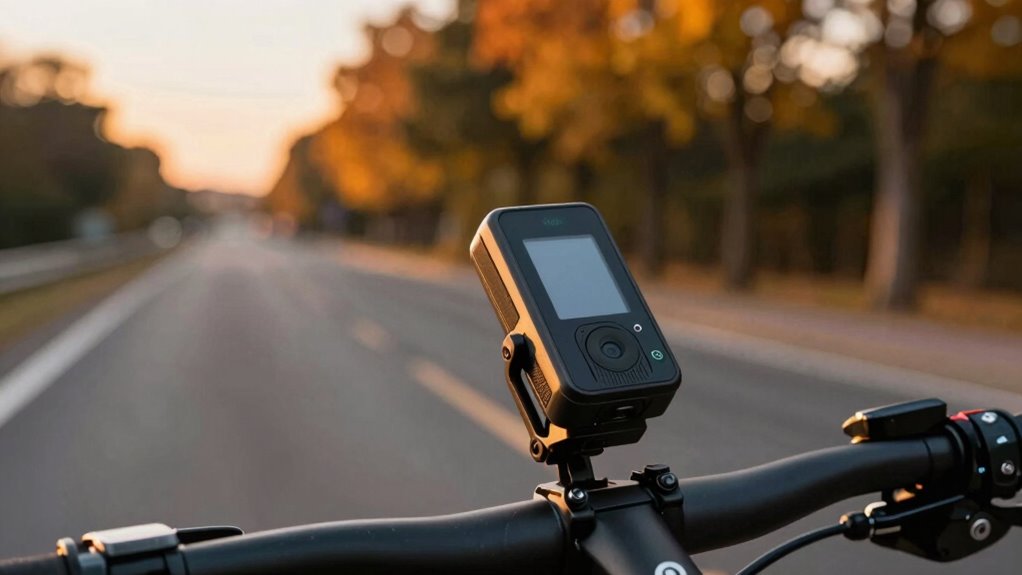
If you’re looking to boost your safety and protect yourself on the road, installing a bike dash cam is a smart move. These cameras record your rides, helping you provide vital evidence in case of accidents or disputes. When choosing a dash cam, many riders opt for helmet cameras, which offer a first-person perspective and capture action directly from your point of view. These are especially useful for documenting incidents or capturing scenic routes. To make certain your camera withstands the elements, look for models that come with weatherproofing accessories. These accessories shield your device from rain, dust, and mud, so your footage stays clear and your camera remains functional in all conditions.
Loop recording is a key feature to contemplate. It allows your camera to continuously record by overwriting the oldest footage once the storage is full. This way, you don’t have to worry about manually clearing space or missing important moments because your memory card ran out of space. When setting up your dash cam, choose a high-quality microSD card with ample storage capacity—at least 32GB or more—to hold several hours of footage. Make sure your camera supports loop recording and set it to overwrite the oldest clips automatically. This feature is especially helpful for long rides or daily commutes, ensuring your device is always ready to record without interruption. Additionally, understanding the importance of contrast ratio can help you select a camera with a clear, bright display for reviewing footage in various lighting conditions. Properly managing your power source ensures continuous recording, especially during long trips.
Frequently Asked Questions
How Do I Update My Bike Dash Cam’s Firmware?
To update your bike dash cam’s firmware, first visit the manufacturer’s website to find the latest firmware update compatible with your model. Download the firmware file to your computer, then transfer it to your microSD card. Insert the card into your dash cam and power it on. Follow on-screen instructions to complete the firmware update, ensuring software compatibility to avoid issues. Always keep your firmware current for maximum performance.
Can I Connect My Dash Cam to a Smartphone App?
Sure, you can connect your dash cam to a smartphone app through Bluetooth connectivity, enabling easy control and configuration. Many models also support live streaming, so you can see real-time footage directly on your device. Just guarantee your dash cam supports app pairing, and follow the manufacturer’s instructions for a seamless setup. This simple syncing streamlines your biking experience, making monitoring, managing, and marveling at your footage much more manageable.
What Should I Do if My Dash Cam Overheats?
If your dash cam overheats, you should immediately turn it off and disconnect it from power. To prevent overheating, guarantee proper dash cam cooling by keeping it in a well-ventilated area and avoiding direct sunlight. Regularly check for overheating prevention measures, like using a heat-resistant mount or shade. Keeping your dash cam cool helps maintain ideal performance and extends its lifespan during hot weather.
Are There Waterproof Bike Dash Cams Available?
Think of your bike dash cam like a knight’s armor—protecting your ride in all conditions. Yes, waterproof bike dash cams are available, featuring a waterproof design and weather resistance to handle rain, mud, and splashes. These cameras ensure your footage stays safe no matter the weather. Look for models specifically built with high IP ratings to guarantee durability. This way, you’re always prepared to capture your journey, rain or shine.
How Do I Recover Deleted Footage From My Dash Cam?
To recover deleted footage from your dash cam, stop using the device immediately to prevent overwriting data. Connect the dash cam’s storage card to a computer and use data recovery software like Recuva or Disk Drill. Scan the card for deleted files, then restore the footage. Remember, successful data recovery depends on acting quickly and avoiding new recordings that could overwrite the deleted footage.
Conclusion
Just like a vigilant guardian watching over your ride, understanding your bike dash cam’s loop recording, storage, and battery tips keeps you prepared for the unexpected. Think of it as your modern-day shield, echoing the foresight of ancient sentinels. With these basics in mind, you can confidently navigate the roads, knowing your camera is ready to capture every moment—turning your ride into a story worth telling, even when the road ahead is uncertain.